
Professional websites for your trade
A professional website. Without the technical headache.
Show customers what you do, share photographs of your work and make it easy for people to get in touch. Start with an example for your trade and make it your own.
Creating an account does not start a subscription.
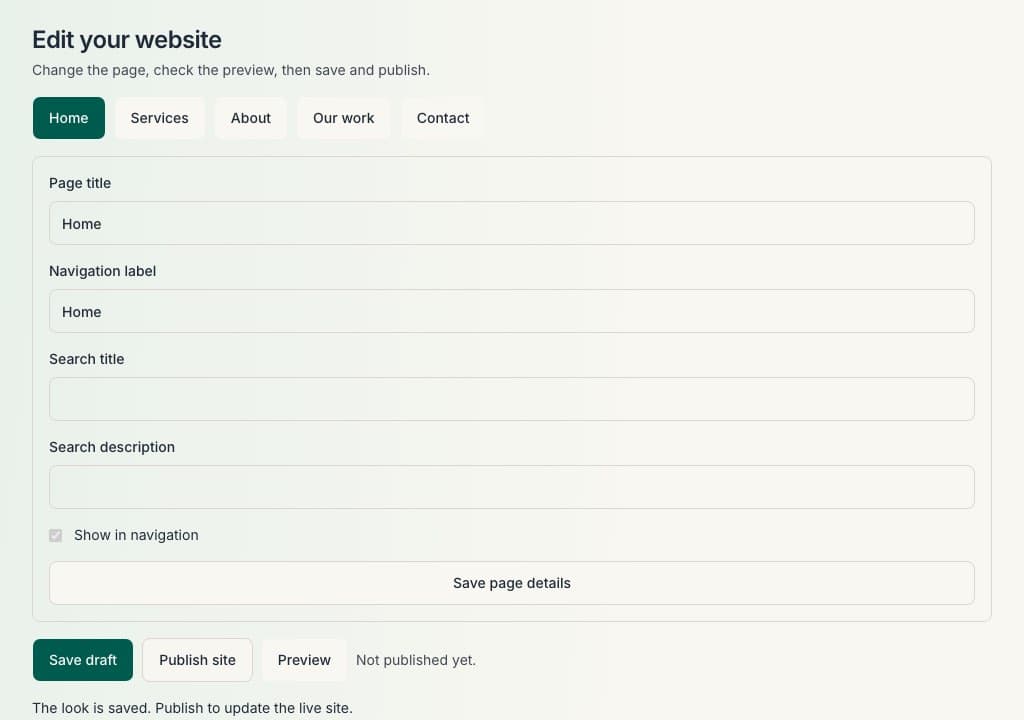
See what your business website could look like.
Choose your trade to explore a demo site. Each website uses the same straightforward structure, with content and imagery suited to the type of work.
Example Garden Services
Demo site. Demo contact forms do not send messages.
View demo siteYour business. Your website.
Add your business name, logo, services, photographs and contact information. Choose colours that suit your business and update your content whenever you need to.
- Business name and logo.
- Services and short descriptions.
- Photographs and work galleries.
- Colours that suit your trade.
- Contact information.
- Supported website sections: Home, Services, About, Our work and Contact.
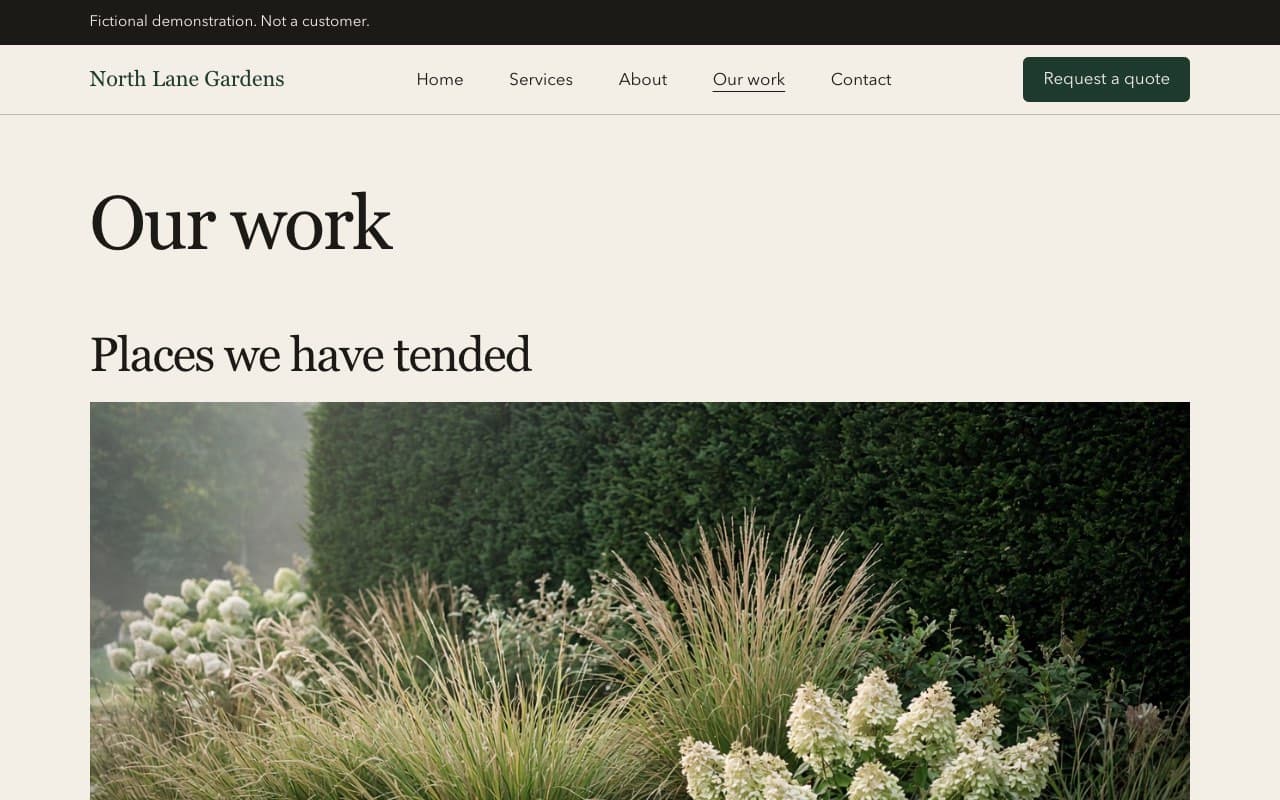
Let your work speak for itself.
Use the Our work page and photographs on your site to show finished jobs. Add customer comments only when you have permission to show them. You can declare qualifications and memberships you hold, and link to your Google reviews page. Sole Trader Admin does not check registers, does not verify qualifications, and does not display official logos for you.
Make it easy for customers to get in touch.
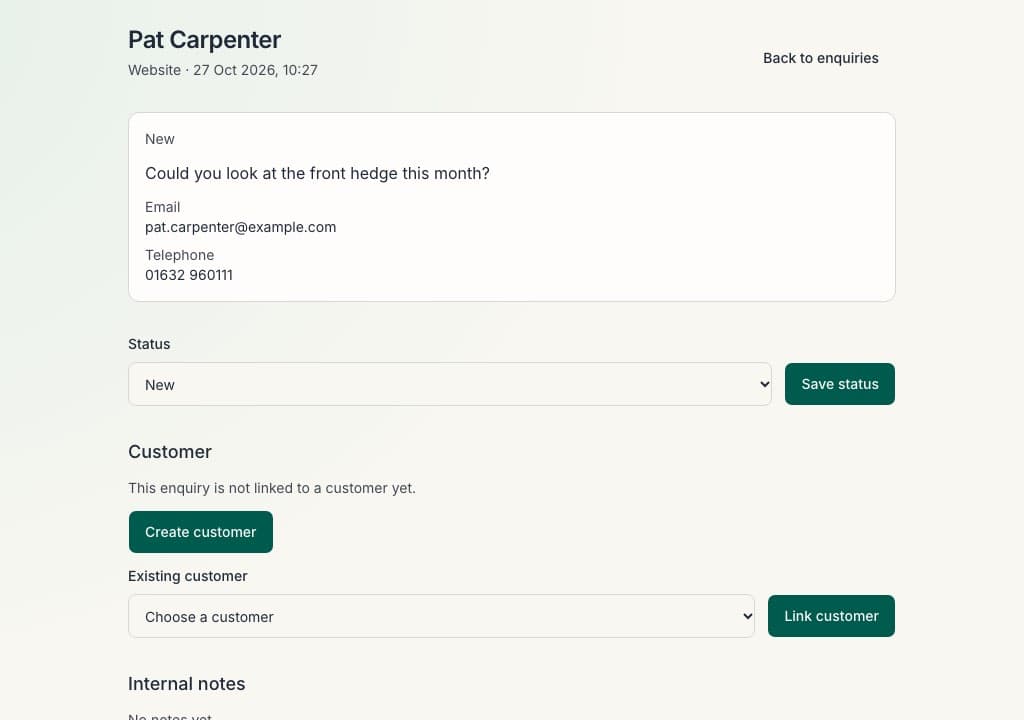
Your website includes a contact form. When somebody sends an enquiry, the message is saved in your Sole Trader Admin dashboard, ready for you to review.
Demo contact forms on this marketing site do not send messages. Sole Trader Admin does not promise a particular email notification until that behaviour is verified for your account.
From choosing your trade to publishing your website.
Choose your trade
Pick the type of work you do when you set up. Your example site starts with words and photographs suited to that trade.
Add your business details
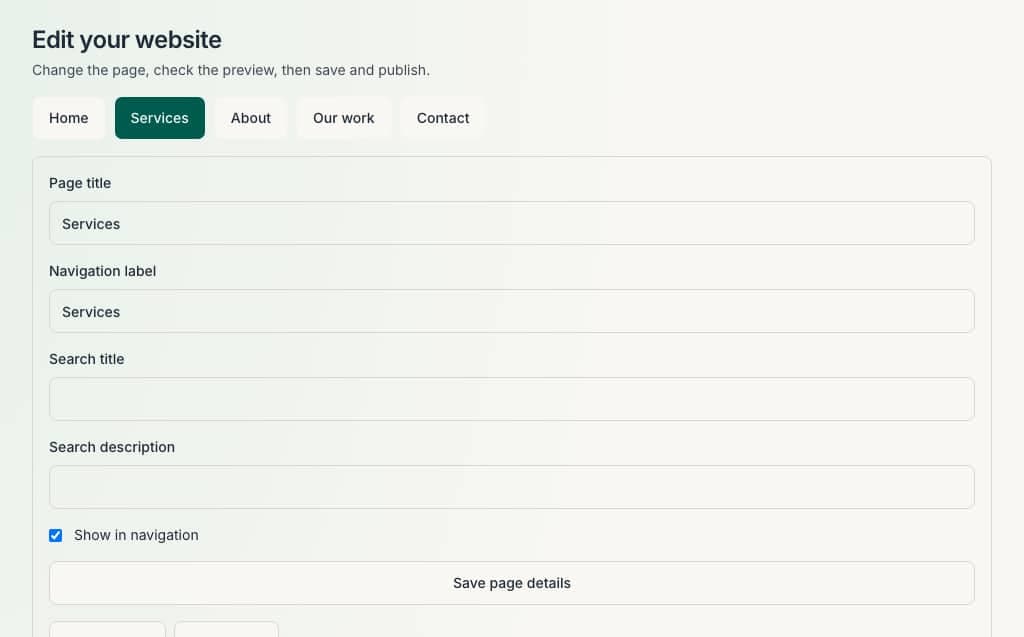
Enter your business name, contact details, services and logo. You can leave and come back; saved details stay on your business.
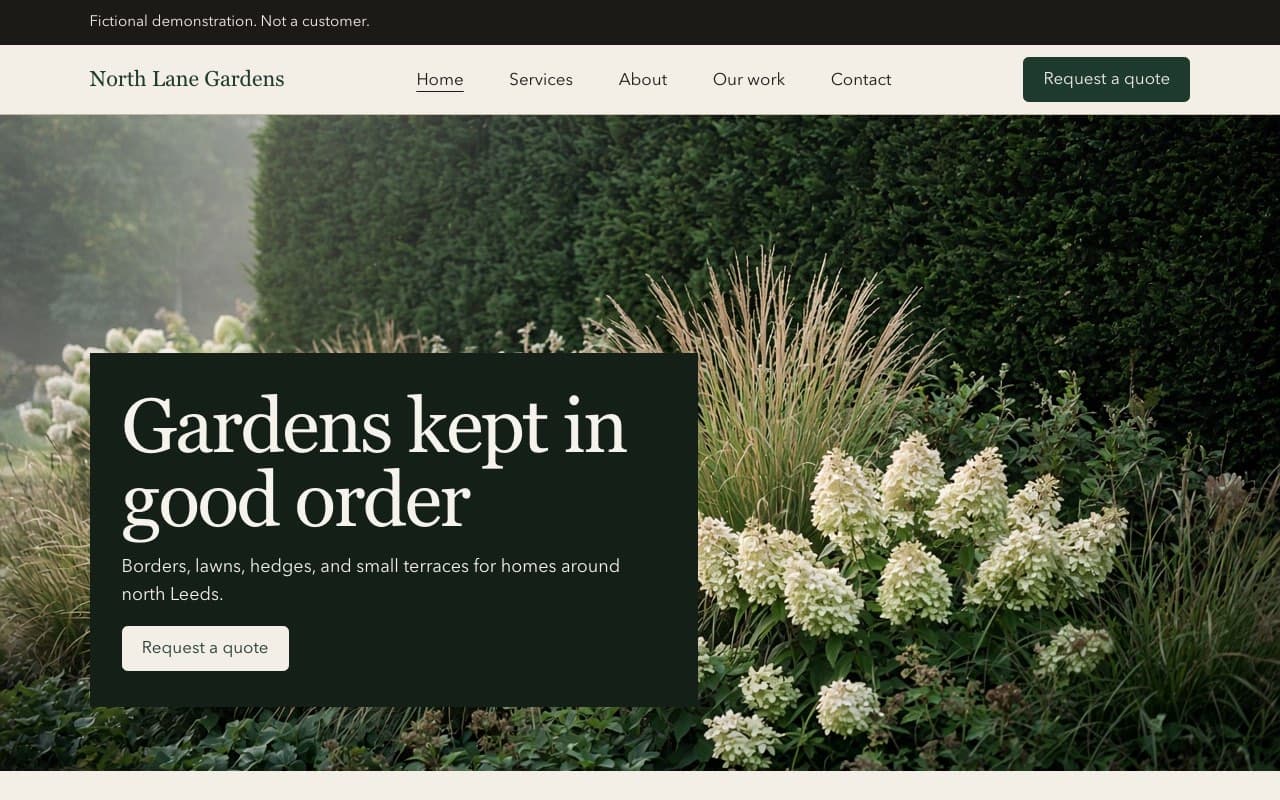
Personalise and preview
Change sections, photographs and colours, then preview the site before anything goes public.
Publish when ready
Publishing makes the site available on your website address when that address is activated for your account. Nothing goes live until you publish.
Domains and publishing
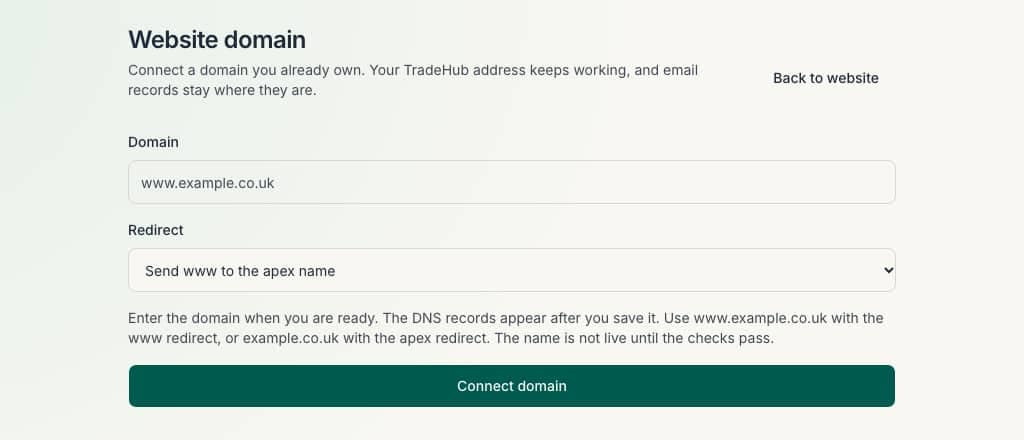
You can connect a web address you already own after Sole Trader Admin has checked the domain settings.
An included public website address is not switched on yet. Until it is available in your account, there is nothing to share from that address.
Website publishing and public availability depend on the current operational setup. Connecting your own domain is optional and can wait.
Your website and business admin, together.
The intended subscription includes your website and the core administration tools in one place. Both options include the same features. £29 a month, or £249 a year. You cannot pay on this website yet.
Common questions about the website.
Do I need coding skills?
No. You edit words and photographs in sections, then publish. You do not need to write code.
Can I change my website after publishing?
Yes. Saved changes stay private until you publish again. The live site updates when you publish.
Can I use my own domain?
Yes. One web address you already own, after Sole Trader Admin has checked the domain settings.
Can I add photographs and customer comments?
Yes. You upload photographs for your pages and gallery. Each comment needs a tick confirming you have permission to show it.
Does the website include a contact form?
Yes. Visitors can send an enquiry from your published site. The message is stored in your dashboard.
Can I move an existing website automatically?
No. Sole Trader Admin does not copy or replace an existing site automatically. Where available, a review of your public website may suggest wording or photographs to help you start a draft. Your existing website is not changed.
Ready to give your business a professional home online?
Create your account and start preparing a website for your trade.
Creating an account does not start a subscription.